Best AI Note-Taking Apps for Developers and Consultants (2026)
Most AI note-taking apps are built for meetings. These 7 work for solo knowledge workers who actually use their notes. Tested for 3 months.

On this page
Most "best AI note-taking app" posts are written for sales teams who live in Zoom. That is a specific use case. It is not my use case and it is probably not yours either.
If you are a developer, consultant, founder, or anyone else who takes notes while thinking rather than while listening to other people, the criteria are different. You want speed. You want retrieval. You want notes that scale past 500 and still remain findable.
I spent three months rotating through seven AI note-taking tools. I used each for at least two weeks of real work: code journaling, client strategy notes, research summaries, reading highlights, meeting prep. This is what survived and what did not.
What I was testing for
Four criteria, weighted roughly equally.
- Capture speed. Can I dump a thought in less than 5 seconds? Voice capture counts.
- Retrieval. Can I find the note I wrote 3 months ago about X, even if I do not remember exactly what I called it?
- AI that adds value. Does it summarize, link, extract action items, or is it just ChatGPT bolted onto a notebook?
- Lock-in risk. What happens if the company raises prices 3x or gets acquired and shut down?
Now the list.
1. Obsidian + AI plugins
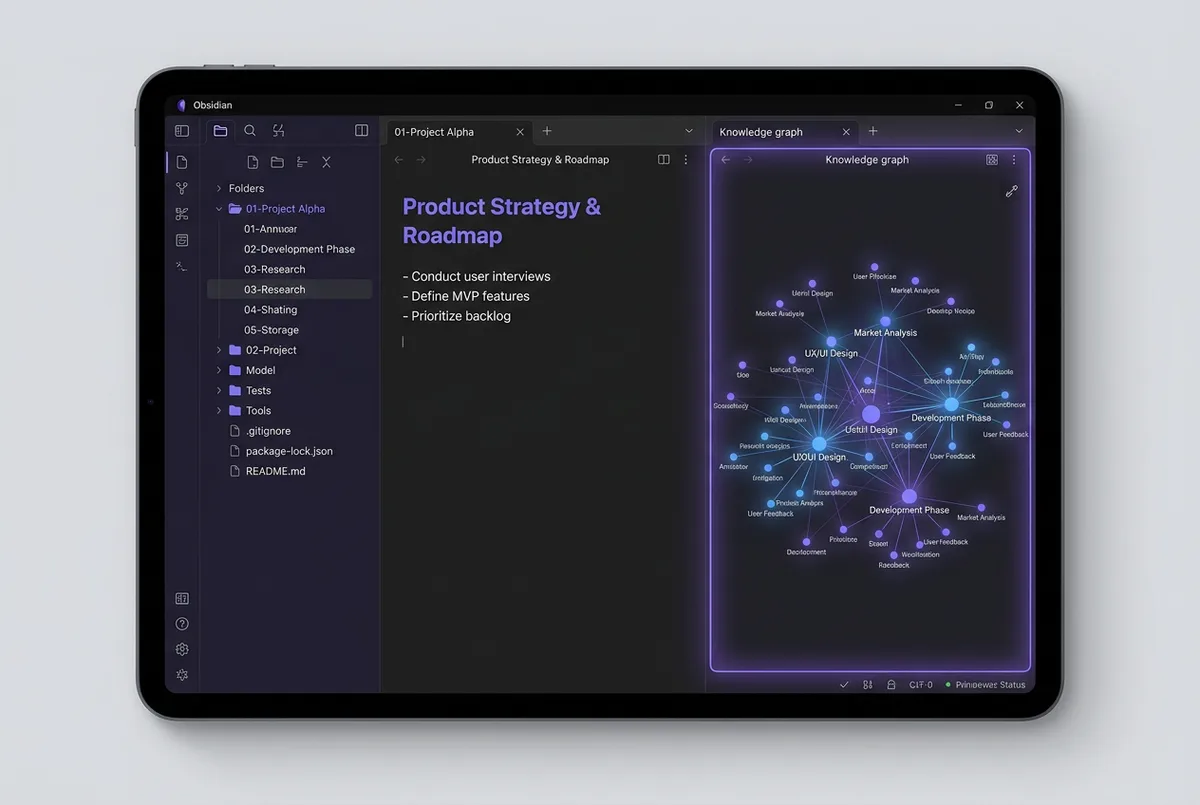
My daily driver. Has been for two years.
Obsidian is a markdown notes app that stores everything as plain text files in a folder on your computer. The "AI" part comes from plugins: Smart Connections, Copilot, Text Generator, etc.
Why it wins:
- Your notes are plain markdown files. If Obsidian disappears tomorrow, your notes are still on your disk.
- The graph view actually helps with retrieval. You see how notes connect.
- The plugin ecosystem means AI features keep improving without the core app getting bloated.
- I can search across 3,000+ notes instantly.
- Free for personal use.
Where it loses:
- Setup curve. You spend your first weekend figuring out plugins and workflows.
- No voice capture built-in. I combine it with SwiftType.ai for voice.
- Sync requires Obsidian Sync ($5/month) or DIY via iCloud/Dropbox.
Best for: Developers, researchers, consultants who will use notes over a 5+ year horizon and hate lock-in.
Cost: Free. $5/month for sync. $25 one-time for some plugins.
2. Mem.ai
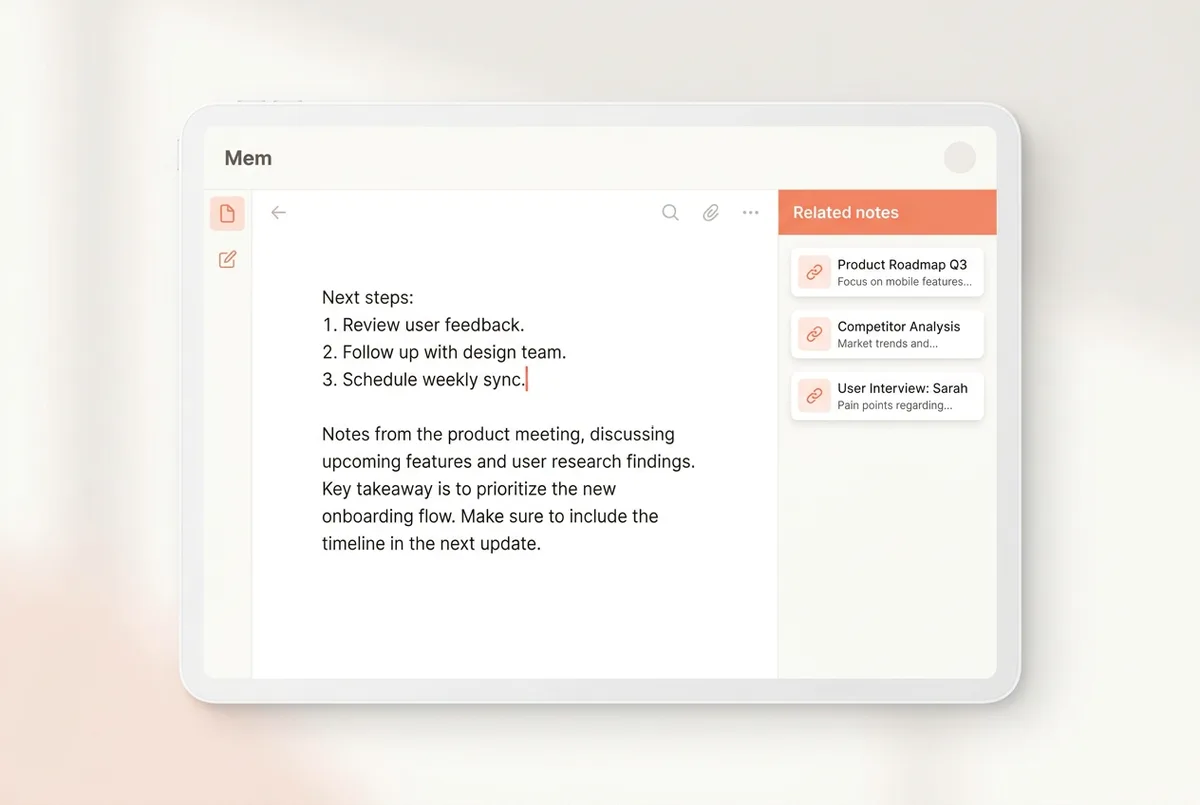
The "AI-first" notes app that actually delivers on the promise.
Mem auto-links related notes, surfaces old ones when you start writing about the same topic, and has the best "what did I write about this last time" retrieval I have seen. The underlying mechanic is retrieval-augmented generation, just wrapped in a friendlier UI than any developer tool.
Why it works:
- Zero-friction capture. Open, type, saved.
- The AI finds related notes without you tagging anything. Actually useful.
- Daily resurfacing of past notes based on what you are currently writing. My best accidental insights come from this.
Where it loses:
- Cloud-only. If their servers are down, your notes are inaccessible.
- Export is okay but not great. Getting out if you leave is not as clean as Obsidian.
- The AI stops being magical past 1,000 notes. Search accuracy drops.
Best for: Founders and knowledge workers who want AI to do more of the curation work.
Cost: $10/month.
3. Notion AI
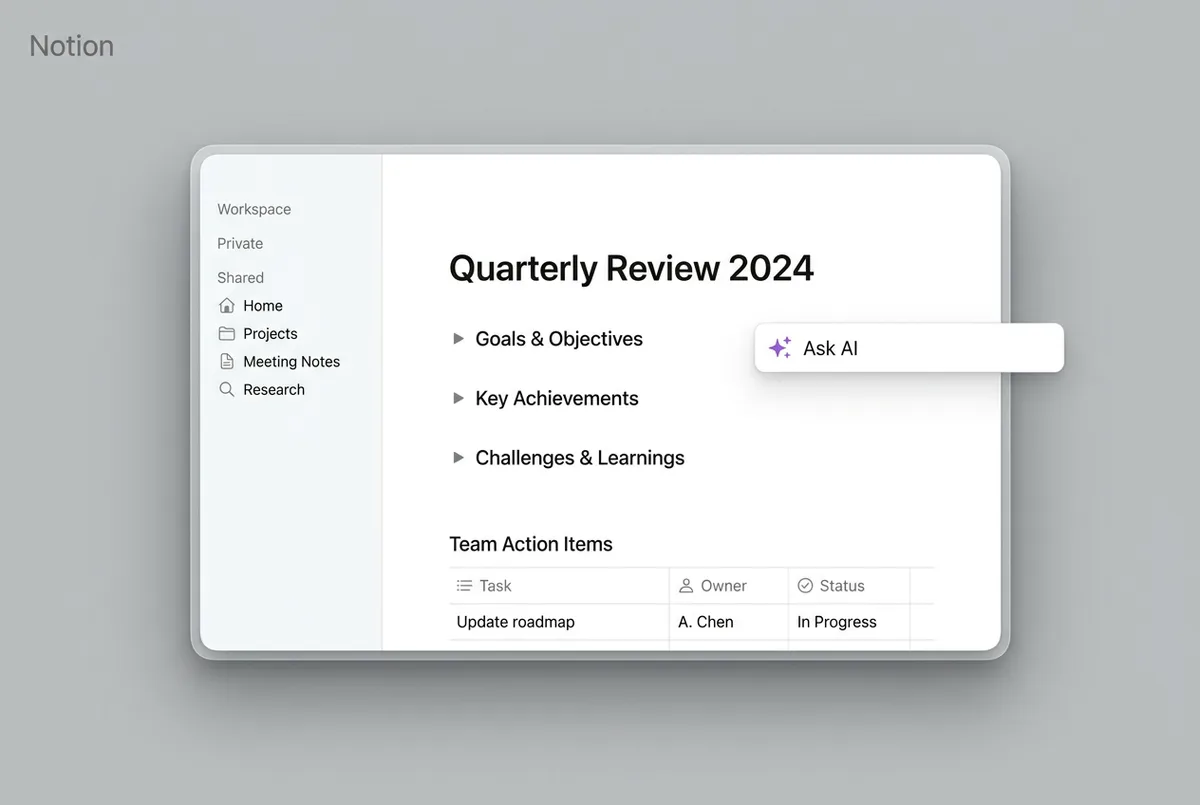
You already know Notion. The AI features got good in 2025 and are better in 2026.
Why it stays on my list:
- Client work lives in Notion whether I like it or not. Notion AI inside those workspaces saves me from context-switching.
- The "ask a question about this database" feature is legit useful for client docs.
- Team collaboration if you need it.
Where it loses:
- Slow. Always. The app is heavy.
- AI features are bolted on, not native. You feel it.
- Overkill for solo note-taking. This is a team tool pretending to be a notes app.
Best for: Teams that already use Notion for docs and need AI on top. Not ideal for pure solo knowledge work.
Cost: $10/user/month for AI features.
4. Reflect
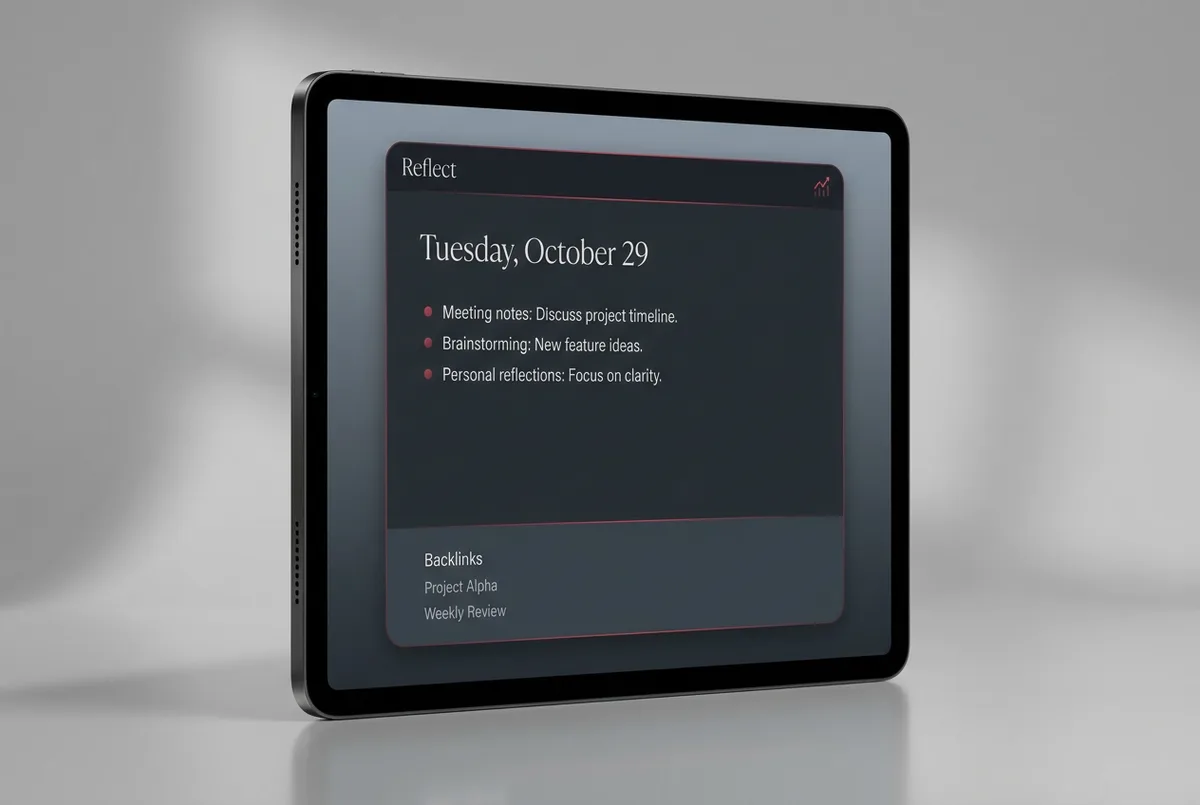
A minimalist notes app with AI summarization built in. Clean UI, fast capture.
Why it is on the list:
- Daily note template is perfect for journaling.
- Built-in AI transcription if you record voice notes.
- Backlinks work well, graph view is decent.
Where it loses:
- Cloud-only again. Same lock-in concerns as Mem.
- Smaller dev community means fewer integrations.
- Not as flexible as Obsidian once you want to customize.
Best for: People who like the idea of Obsidian but want it simpler and do not care about plugins.
Cost: $15/month.
5. Otter.ai
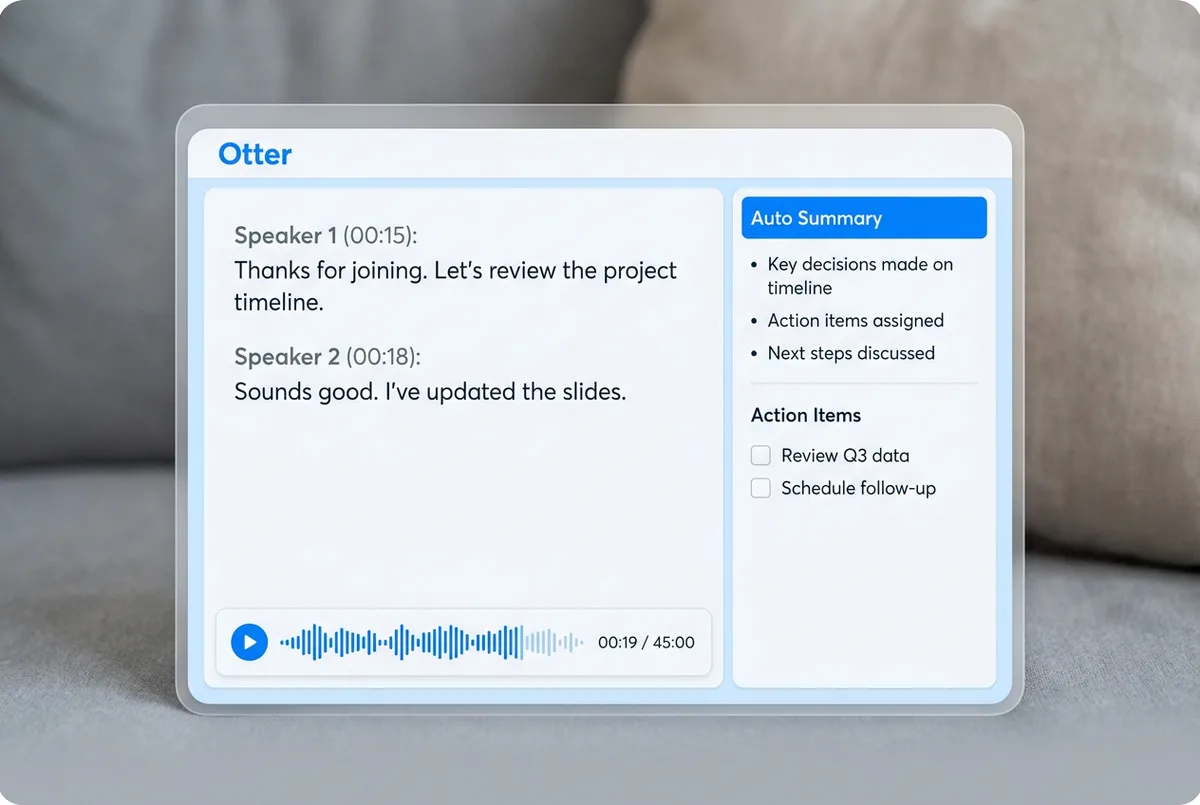
Meeting-focused, but I use it for dictated long-form thinking sessions.
Why:
- Best-in-class live transcription of meetings with speaker detection.
- If I record myself thinking out loud for 30 minutes, Otter gives me a clean transcript plus summary.
- Integrations with Zoom, Google Meet, Fathom.
Where it loses:
- Not a notes app in the thinking-and-linking sense. It is a transcript generator.
- Expensive if you actually use it much.
Best for: People in meetings all day. Pair it with a real notes app for anything you want to retrieve later.
Cost: Free tier. Paid from $17/month.
6. Granola
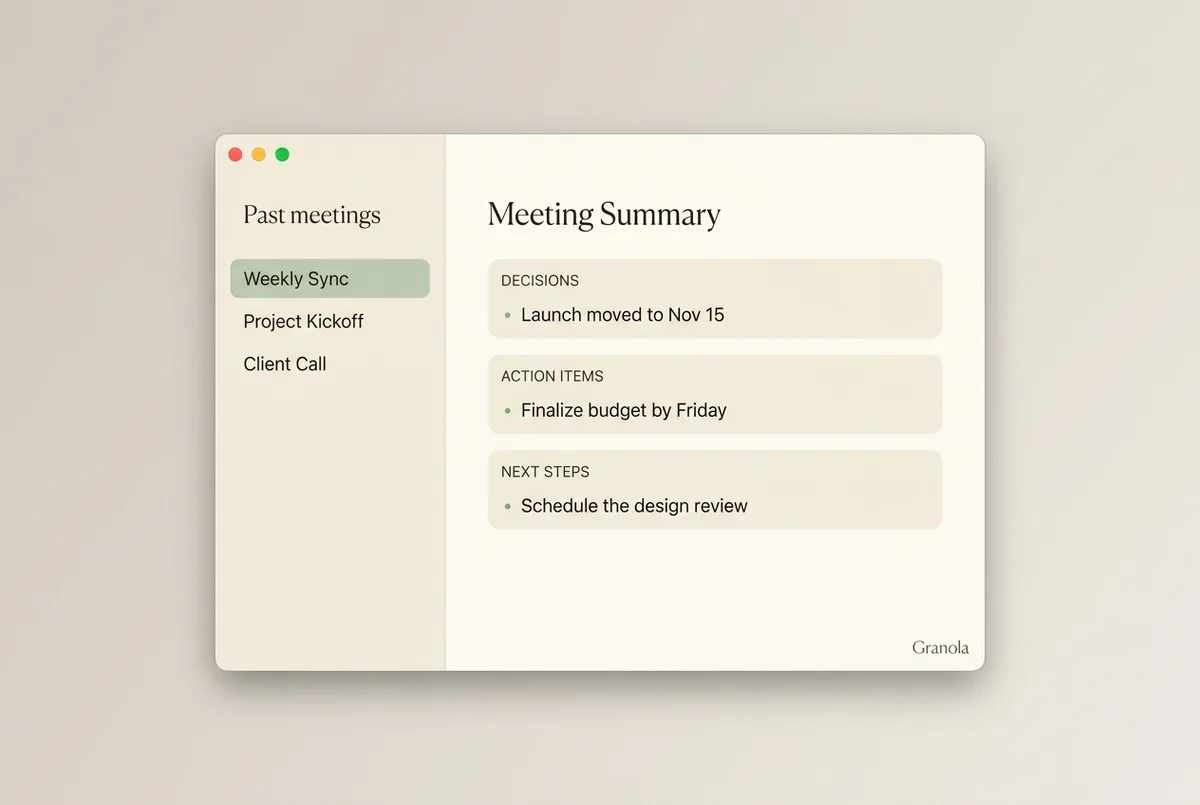
Newer on the scene, gaining traction fast. Mac-native, meeting-first, but less polished than Otter in some ways and more useful in others.
Why it is here:
- The post-meeting summaries are the best I have seen. Not just a transcript. An actual editorial take on what was said, organized by topic.
- Works offline. Privacy-conscious.
- Fast. Native Mac app, not Electron.
Where it loses:
- Mac only.
- Meeting-first. Less useful for solo thinking.
Best for: Mac users in lots of meetings who want summaries, not transcripts.
Cost: Free tier. Paid from $14/month.
7. Plain old Apple Notes + Shortcuts
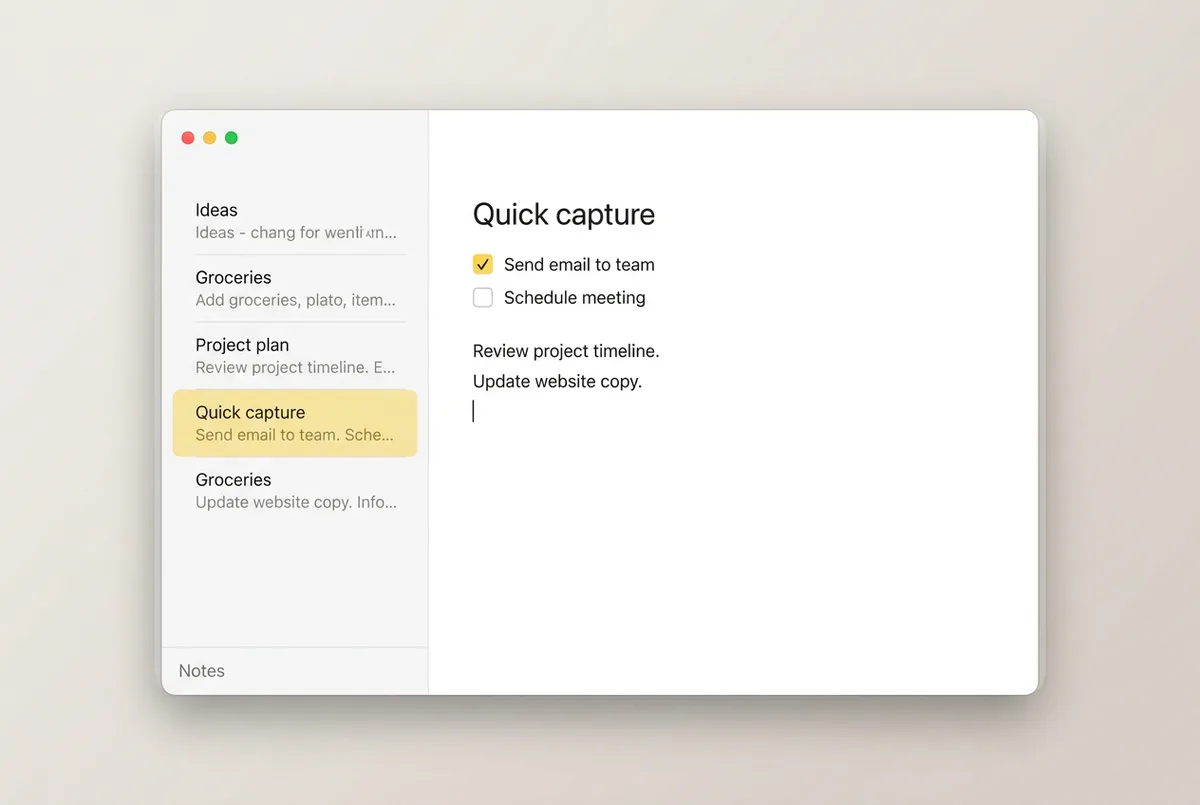
I know. Laugh if you want. Hear me out.
Apple Notes in 2026 has surprisingly good search, syncs across all your devices for free, and with a few Shortcuts you can add voice capture and basic AI summarization.
Why it stays on my list:
- Zero thinking required. Open app, type, saved everywhere.
- Free, reliable, never goes down.
- For quick capture during the day, hard to beat.
Where it loses:
- No AI of its own.
- Search is okay, not great.
- Graph view does not exist.
Best for: Anyone who wants to stop thinking about their notes app and just write things down. I use this as a secondary capture tool alongside Obsidian for thoughts I will not need to retrieve in 6 months.
Cost: Free. Shortcuts free.
The ones I dropped
Not on the list for specific reasons.
- Roam Research. Great idea, messy execution, too expensive.
- Logseq. Open-source alternative to Roam. I wanted to love it. Too slow.
- Capacities. Beautiful app. Found myself not using it after week two.
- Tana. Powerful but the interface fights you.
- Supernotes. Charming. Too limited for my workflow.
The real question
When someone asks me "what note-taking app should I use?" I ask them back: do you want to own your notes in 10 years?
If yes: Obsidian. The files are yours, in markdown, forever.
If you do not care and you want maximum AI magic today: Mem.
If you are already in Notion and your team is too: Notion AI is fine.
Everything else is personal taste.
My actual stack
For what it is worth, my stack:
- Obsidian for long-form thinking, research, client strategy, reading highlights.
- Apple Notes for rapid capture during the day.
- Otter for client meetings and solo recorded thinking sessions.
- SwiftType for voice-to-text into any of the above.
Total cost: about $25/month across all four.
How I actually decided what to pick
The tool does not matter as much as the habit. If you are trying to pick "the right one," you are avoiding the real question: do you actually take notes that you read later?
Most people do not. They take notes to feel productive, then never look at them again.
The apps with the best AI in the world cannot help you if the notes never get re-read. Before spending $15/month on a fancier tool, check if you actually go back to your existing notes. If you do not, pick the cheapest option (Apple Notes or Obsidian free), and put the money into getting better at the habit instead.
If your notes are stacking up and you need a better system for turning them into actual action or content, book a call. This is half of what I help consultants and founders with: building systems that compound instead of stacking, whether that is a notes workflow or a full automation stack across n8n, Make, or Zapier.
Related: the full stack of AI tools I use as a developer covers how these notes apps fit into the rest of my workflow.